

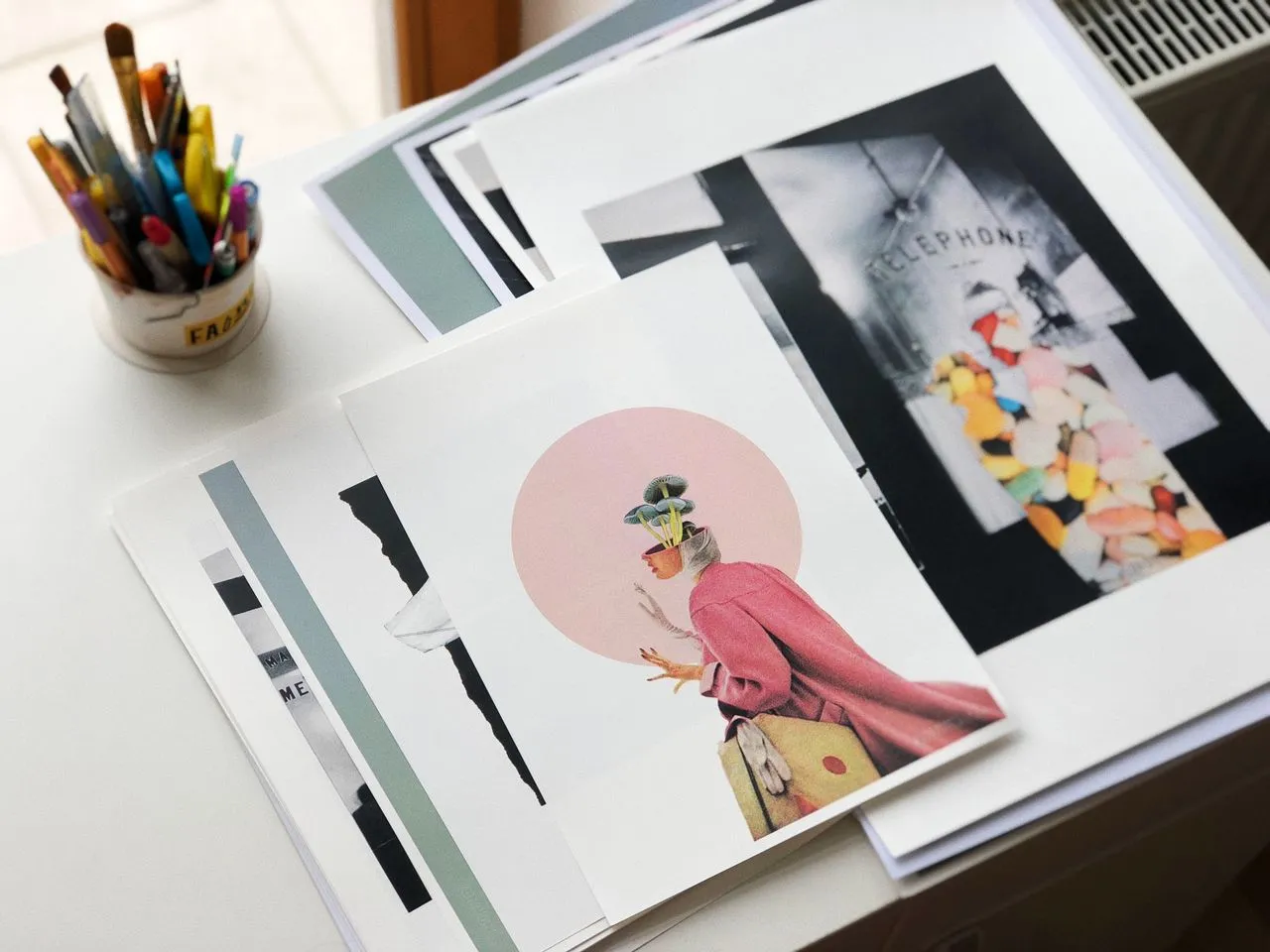
Meet Cricut StickerPix™ Your camera roll is filled with moments worth remembering, sharing, and creating with. Now, it’s easier than ever to turn those everyday photos into something you can see, touch, and enjoy. Introducing the brand-new Cricut StickerPix™ family of machines — designed to help you create custom, pro-quality stickers, labels, photo prints, cards, invitations, and more, right from home.
Cricut StickerPix brings together high-quality printing, built-in lamination, and easy-to-use creative tools in a compact, all-in-one design. Whether you want to turn a favorite photo into a sticker, print snapshots for a scrapbook, create personalized labels, or make something special for a celebration, Cricut StickerPix makes it possible in just minutes.
The new Cricut StickerPix family includes two machines: Cricut StickerPix Print + Cut™, an all-in-one sticker and photo printer with precision-cutting capabilities, and Cricut StickerPix Print™, a compact sticker and photo printer that works with pre-cut sticker sheets.
Both machines feature a stylish, compact design and come in fresh, fun colors, making them a creative addition to any home workspace.
Why wait for a trip to the print shop or order custom stickers in bulk when you can create them yourself?
It StickerPix machines are designed to deliver high-resolution detail and vibrant, vivid color in every print. From treasured photographs to colorful sticker designs, your creations can have the polished look you want without leaving home.
Print a favorite vacation photo, create stickers from your pet pictures, personalize party invitations, or make labels for your favorite things. With Cricut StickerPix, your next creative idea is always within reach.
Because great ideas shouldn’t have to wait.
Both It StickerPix machines use dye-sublimation printing technology, a printing process that uses heat to transfer dye directly onto the material.
Unlike traditional printers that spray tiny droplets of ink onto a surface, dye-sublimation printing creates smooth, continuous color. This makes the technology particularly well suited for printing photographs, detailed images, and colorful designs.
The result is vibrant imagery with the detail and color you need to bring your favorite memories and creative ideas to life.
It StickerPix machines take your projects one step further with a built-in lamination process.
Each print is laminated to add an additional protective layer, helping make your creations water-, scratch-, and fade-resistant. That means your favorite photos and stickers can be better protected from the everyday wear and tear that comes with handling and use.
And because the lamination is integrated into the printing process, there’s no separate laminating step to slow you down.
Getting from a photo on your phone to a finished creative project is simple with Design Space® software.
The all-new software experience makes it easy to transform images from your camera roll into personalized creations. With one-click photo transformations, unique effects, creative styles, and editable templates, you can quickly turn everyday snapshots into something completely your own.
Start with a favorite photo and customize it to match your project. Create a sticker sheet featuring family moments, turn a pet photo into a fun sticker, or design personalized cards and invitations for a special occasion.
With editable templates and easy-to-use creative features, Design Space helps make the creative process feel approachable — even when you’re starting with nothing more than a photo on your phone.
*Features and compatibility may vary.
While both machines deliver high-quality prints and built-in lamination, each Cricut StickerPix machine is designed for a slightly different creative experience.
It StickerPix Print + Cut combines printing and precision cutting in one compact machine. It’s the larger of the two StickerPix machines and is designed for creators who want more flexibility when making custom stickers.
The machine is compatible with 4 in x 7 in Sticker Sheets and 4 in x 6 in Photo Paper.
With its precision-cutting capability, you can create custom sticker designs without needing a separate cutting machine. Simply design your project, print it, and let StickerPix Print + Cut handle the cutting.
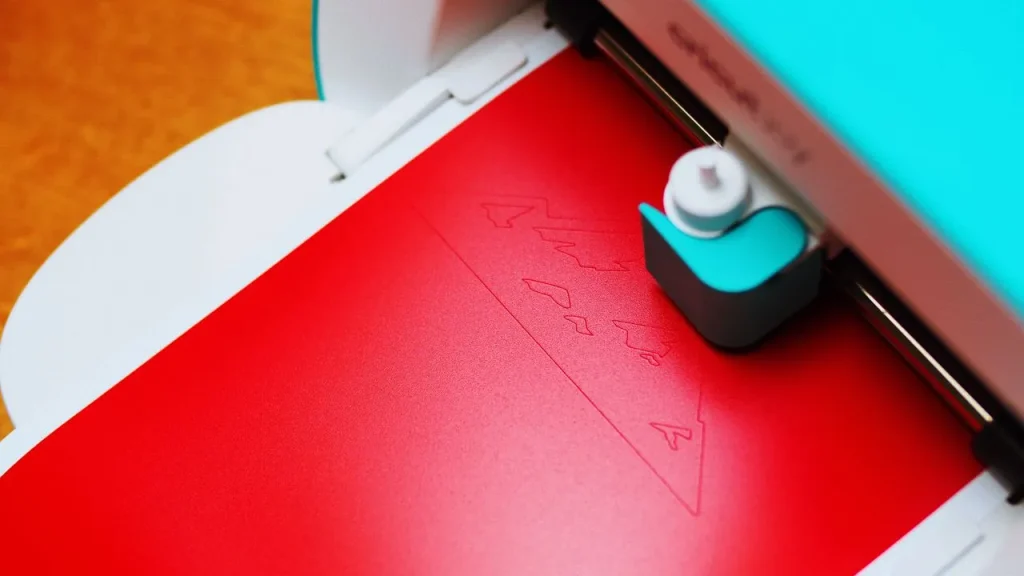
Cricut StickerPix Print offers the same convenient approach to high-quality printing and lamination in an even smaller footprint.
Instead of precision-cutting custom sticker shapes, Cricut StickerPix Print works with pre-cut sticker sheets, making it a straightforward option for creating stickers quickly and easily.
It is compatible with:
It’s also the smaller of the two machines, measuring 7.8 in x 5 in x 3.5 in, compared with 8 in x 11.3 in x 4.1 in for Cricut StickerPix Print + Cut.
If you already use a Cricut cutting machine, you may be wondering how StickerPix changes the sticker-making process. While both product families can help you create custom stickers, there are a few key differences.
Traditional Cricut sticker projects made with a cutting machine typically require an at-home inkjet printer for the printing step.
It StickerPix machines have printing technology built into the machine, so you don’t need a separate inkjet printer to create your projects.
It StickerPix machines create kiss-cut stickers, which means the sticker is cut through while the backing remains intact for easy peeling.
It cutting machines offer more cutting flexibility and can create both kiss-cut and die-cut stickers, depending on your project and materials.
With It StickerPix, lamination is incorporated directly into the printing process. This helps protect your prints without requiring you to manually apply a separate laminate sheet.
With It cutting machines, you can apply laminate sheets yourself to create a water-resistant coating. These sheets are also available in different styles and finishes, including options that can give your stickers effects such as a holographic look.
From a favorite photo to a sheet of custom stickers, It StickerPix makes it easier to turn inspiration into something tangible.
With compact designs, vibrant dye-sublimation printing, built-in lamination, and creative features in Design Space, the Cricut StickerPix family gives you a simple way to create personalized projects at home.
Choose Cricut StickerPix Print + Cut when you want the flexibility of precision-cut custom stickers, or choose Cricut StickerPix Print for a smaller, streamlined experience using pre-cut sticker sheets.
Whichever machine you choose, your camera roll is full of creative possibilities.
The new Cricut StickerPix line is available beginning September 24, 2026. Bring your photos, ideas, and everyday moments to life with custom, pro-quality stickers, photo prints, and more — all from the comfort of home.
Source Link: https://cricut.com/